
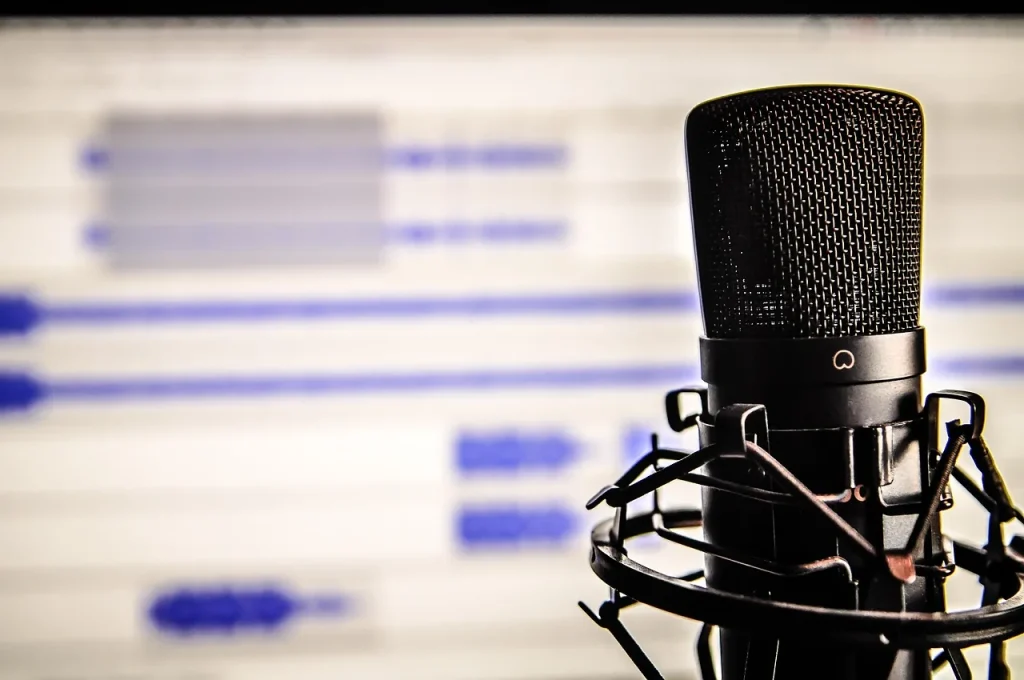
Computer-assisted music production brings together techniques for composing, recording, arranging and mixing with a computer. The computer becomes a musical instrument in its own right when you learn to use MIDI, controllers and effects.
Since the 1970s, wider access to computers has made music production more accessible. Schools such as Solaure in Saint-Étienne teach students to use Ableton Live for performance and studio work.
This guide is for beginners. It offers a step-by-step path to choosing a digital audio workstation (DAW), learning the basics of music software and improving through courses and practical workshops.
You can expect to become more independent creatively, sharpen your ear and better understand audio signal chains. In a few steps, you can take an idea through to a song ready to share, whether you are making electronic music, arranging for a band or creating a soundtrack.
Computer-assisted music: a simple definition
Computer-assisted music production has turned the computer into a creative partner. It encompasses the tools and methods used to create, record, arrange and mix sounds through both artistic and technical work.
The creative process begins with composition, continues with recording and processing performances, and then uses an effect or other processing to achieve the desired sound.
Emerging in the 1970s and becoming more accessible with synthesizers, MIDI and USB interfaces, computer-based production spread through home studios. Today, a computer, an audio interface and a few tools are enough to produce quality demos.
Structured courses, including workshops that use Ableton Live, cover recording, sample libraries, MIDI editing and notation. To learn more about the history of computer-based music production and consult a music production glossary, explore these resources.
- Benefit: greater creative independence and faster production.
- Practice: playing controllers, programming rhythms and editing scores.
Software, equipment and sounds: the essentials for getting started
A solid set of software tools and reliable equipment make learning and creating easier.
DAWs and key software: GarageBand (free on Mac) for getting started, Ableton Live for live performance and clips, Cubase for MIDI editing, Audacity for basic recording, and Pro Tools and Studio One for professional use. Cakewalk and Waveform offer free or affordable alternatives.
Free options: Ableton Live Lite, Waveform Free, LMMS, Ardour and MuseScore let you learn without a large investment.
Basic equipment: a capable computer, a USB audio interface, a versatile microphone, a MIDI controller, closed-back headphones and nearfield monitors. For detailed buying advice, see this home studio equipment guide.

“Start simply: a few inputs, clean preamps and low latency make learning easier.”
| Category | Examples | Why it matters |
|---|---|---|
| DAWs | GarageBand, Ableton Live, Cubase | Workflow and compatibility |
| Free tools | Audacity, Waveform Free, LMMS | Learning at no cost |
| Sound libraries & AI | Fugue, Pixabay, Udio, Boomy | Quick ideas and samples |
First steps: a simple method for learning and making your first tracks
Starting a creative session can feel daunting, but a clear method makes each step easier.
First, choose a DAW that suits your equipment. Free options such as Audacity, LMMS, Cakewalk and Waveform Free let you get started quickly without spending money.
Create a project: set the tempo, time signature and structure. Name your tracks and organize them into folders so you can find your ideas quickly.
Choose a DAW, organize tracks, add effects and export your song
Check your audio interface, set your levels and turn on the metronome before recording. Then use both MIDI and audio tracks to combine instruments with vocal recordings.
Essential effects: corrective EQ, light compression, reverb and delay to create space. Avoid using too many at once; build up gradually.
“Plan short sessions and save often to stay in control of the project.”
- Structure the mix: set levels and panning, and group tracks by instrument family.
- Automate transitions and effects to bring the song to life.
- Export a WAV file for mastering and an MP3 for sharing; test the result on several playback systems.
Keep your project files organized: save presets and effects chains, and use an “Assets” folder for samples. Publish your work on music-sharing platforms and ask other musicians for feedback.
Conclusion
Today’s tools put everything needed to produce a song in a home studio within reach. Computer-assisted music production offers a direct path from an idea to a finished track with a computer and a few carefully chosen tools.
Taking structured courses and trying several DAWs can help you improve without getting stuck on technical problems. Regular practice turns the computer into a true instrument, sharpens your ear and improves your mixing skills.
Keep your approach clear: choose software, assemble a minimal setup, archive your sessions and publish a first version to get feedback. Use each effect to serve the music, and document your settings so you can repeat what works.
In short, computer-assisted music opens up new creative possibilities. Start a session this week, follow a focused tutorial and finish a short piece to build momentum.