
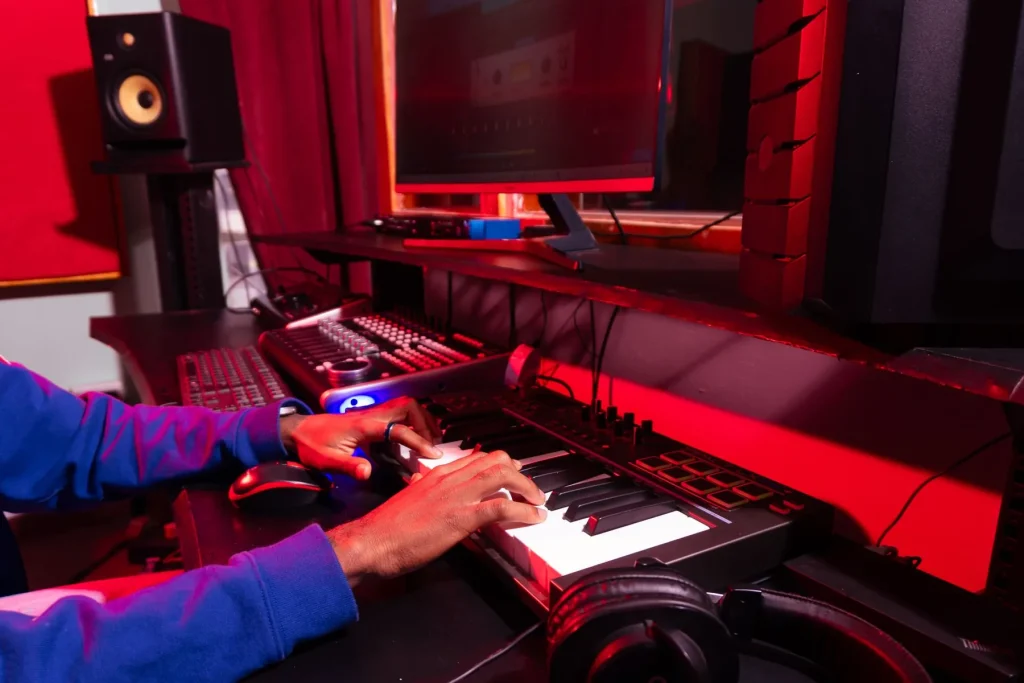
This buying guide aims to help people with visual impairments and those close to them choose computer music tools suited to their needs, step by step.
Today, in France, computer music is a powerful means of expression and well-being. Making music supports learning, creativity and everyday life.
We provide an overview of tools, a comparison of accessible software, selection criteria, hardware adaptations and support networks. The guide covers Windows and macOS, mobile use, the stage and the studio.
Making an informed choice means defining your goals (composition, recording, live performance), your budget and the equipment you already have. Try several options through trial versions or workshops.
Accessibility remains central: keyboard navigation, screen-reader compatibility, audio feedback and the quality of community support. Accessible instruments and interfaces are available, and public bodies and nonprofits are helping inclusion progress.
To get started, consult a practical guide to software and training, such as this resource on choosing production and recording software: software and accessibility.
Why computer music is changing things for people with low vision today
Digital music is transforming access to creative work for people with disabilities. It turns the computer into an instrument: software, scripts and controllers can adapt the workflow to individual needs.
The benefits of music are documented: reduced stress, improved concentration and memory, and motor stimulation. Making music supports well-being and provides structure for learning routines.
Music therapy remains a practice guided by professionals. It can affect sensory, cognitive and emotional well-being and may reduce pain. Note that France’s national health insurance does not cover it, although some supplementary health insurers provide partial coverage.
“Computer music offers more than a tool: it gives people independence, confidence and ways to express themselves.”
In practice, keyboard navigation, screen readers and audio feedback make creative work accessible. This expanding set of tools opens up opportunities for collaboration, teaching and performance for musicians with disabilities.
Computer Music for People with Low Vision: Accessible Solutions
Discover the instruments and technologies that expand access to sound creation. This overview covers workstations built around software and controllers, touch-sensitive surfaces and adapted sensors.
Overview of accessible music creation and production tools
Digital audio workstations combine audio and MIDI capture, editing and mixing. Speech interfaces and audio and haptic feedback enable people to compose, record and perform independently.

Adapted interfaces and instruments
The sensory organ responds to touch and light, making interaction easier. The BAO-PAO uses laser beams linked to a computer system to control sound. Baschet sound structures are sound sculptures accessible to a wide range of people.
Essential screen readers and accessories
Practical adaptations include switches, push buttons, modified keys, ergonomic supports, wheelchair access and breath amplification. For using software, NVDA, VoiceOver, JAWS and Narrator speak interface elements aloud and guide navigation.
“These tools suit different ways of playing: movement, pressure, breath or interaction with light.”
Accessible computer music software: an essential comparison
Comparing software helps you choose the tool best suited to your workflow and accessibility needs. Consider operating-system compatibility, the range of features and value for money.
Reaper + OSARA + NVDA: accessibility, workflow and value for money
Reaper is powerful and flexible. With OSARA and NVDA, it supports keyboard navigation and editing with a screen reader.
Its pricing is attractive: a personal license costs about US$60 and a commercial license about US$225. Consult ReaperAccessible for more information and tutorials.
Logic Pro with VoiceOver on macOS
Logic Pro integrates well with macOS. VoiceOver makes it easier to navigate, edit and use virtual instruments.
Pro Tools with PTAccess
Pro Tools remains a studio standard. PTAccess adds accessibility features, although limitations remain depending on the version and plugins.
Ableton Live 12 and assistive technologies
Ableton Live 12 supports VoiceOver, NVDA, Narrator and JAWS. It suits live performance and modular composition.
Try the trial versions and check compatibility with your screen reader before buying.
How to choose the best solution for your needs
Choosing a creative setup starts with identifying how you intend to use it and any hardware constraints. Decide whether you want to compose, record voices or instruments, perform live or work in post-production. This will guide your choice of workstation and workflow.
Hardware and software compatibility
Check the operating system: Windows and macOS affect driver choices (ASIO or Core Audio) and support for MIDI/HID controllers. Test access to features with VoiceOver, NVDA, Narrator or JAWS.
Everyday accessibility
Look for complete keyboard navigation, clear audio feedback and accessible automation. Ergonomics matter: tactile markers, switches and quick adjustments make playing easier.
Budget, licenses and learning
Account for software licenses (Reaper offers an affordable personal license), instrument packs and hardware. Use tutorials and communities to support learning.
- Define how you intend to use the setup.
- Test latency and stability.
- Plan for hardware upgrades and continued learning.
For practical advice and tutorials, consult a dedicated resource such as guides and professional discussions.
Equipment and adaptations for comfortable, creative music-making
Adapting your workspace helps you make full use of responsive instruments and touch-sensitive interfaces.
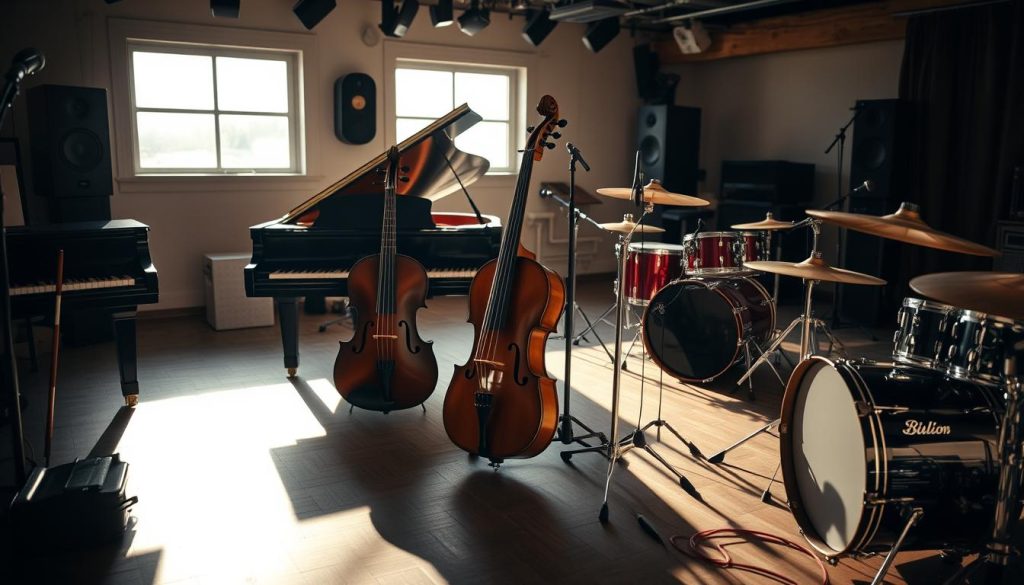
Sensory organ and BAO-PAO: examples of sensory interfaces
The sensory organ responds to touch and light. It lets people with sight loss play intuitively and expressively.
The BAO-PAO uses laser beams connected to a computer-based sound system. It enables simple gestures that are easy to understand.
Ergonomics, controllers and tactile markers
Set the table at a suitable height and secure the interface mounts. Organize cables and position switches near the hands or wheelchair.
Choose large pads, motorized faders, assignable pedals and programmable surfaces. Add raised markers to keys and buttons to make their positions easier to remember.
| Item | Benefit | Practical tip |
|---|---|---|
| Microphone | Clear vocals | Stable position and pop filter |
| Audio interface | Controlled latency | ASIO or Core Audio and headphone monitoring |
| Controller | Tactile control | Large pads and tactile markers |
| Screen reader | Navigation | Compatibility with NVDA and VoiceOver |
A sample setup consists of a microphone, audio interface, controller, screen reader and closed-back headphones. Keep the listening volume moderate, take breaks and save your work often.
Useful assistive technologies include switches, motion sensors, assignable pedals and nonslip supports. Try several devices before buying to assess their comfort and creative potential.
Getting started and progressing in France: schools, networks and support
In France, organizations and local networks support people who are beginning to make music throughout their learning journey.

Réseau national musique et handicap (RNMH)
The RNMH helps people find trained teachers, equipped venues and workshops (BAO-PAO, Baschet and sensory organ).
Contact the network to start learning with appropriate support.
MESH association
The MESH association has supported people with disabilities for more than 30 years. It provides teaching resources and personalized guidance.
Institutions and funding
The Philharmonie de Paris offers concerts, workshops, Relax sessions and performances with signed songs. The Conservatoire de Caen has had a dedicated department since 2010.
The Pass Culture helps 15- to 18-year-olds in France pay for lessons and concerts. Ask schools, conservatories, local associations and your town hall about available support.
- Taking part in group workshops supports progress and helps build a network.
- Contact private teachers or conservatories to ask about accommodations.
- Schedule regular sessions and set learning goals.
| Organization | What it offers | Why contact it |
|---|---|---|
| RNMH | Workshops and teacher lists | Find suitable venues and teachers |
| MESH | Educational support | Personalized guidance and resources |
| Philharmonie and Conservatoire | Workshops, concerts and a dedicated department | Practical experience and inclusion |
“Connect with schools and local networks: they make music more accessible and strengthen people’s participation in cultural and social life.”
Benefits and social impact of inclusive computer music
Collaborative sound production projects strengthen connections and participants’ independence. Music therapy addresses sensory, cognitive, emotional and behavioral dimensions.
It may reduce stress and pain and improve well-being. In workshops, computer music becomes a setting for developing coordination, communication and creativity.

From music therapy to group projects: coordination, communication and creativity
Making music together combines technical learning with emotional expression. Workstations, controllers and accessibility scripts remove barriers and build independence at every stage of production.
Inclusion and visibility of musicians with disabilities in culture and society
The European Regard project illustrates how people with disabilities can create together, perform and gain visibility. Its effects extend beyond the arts: it builds confidence and makes it easier for people to speak up.
“Active participation changes public perceptions and opens up professional opportunities.”
| Area | Effect | Recommended action |
|---|---|---|
| Music therapy | Less stress and greater emotional expression | Include regular sessions in workshops |
| Digital tools | Greater independence in production | Teach people to use scripts and controllers |
| Visibility | Greater visibility in cultural life | Schedule inclusive concerts and provide accessible media |
An interdisciplinary approach brings together education, technology and cultural outreach to share effective practices. Inclusion requires concrete choices: a dedicated budget, time for training and attention to access needs when planning cultural programs.
Conclusion
In summary, computer music turns ideas into concrete projects. Software, virtual instruments and adapted technologies make creation and production more accessible.
Choose a setup (Windows or macOS), try software such as Ableton Live and document how you configure it. Consider physical interfaces too: the sensory organ, other organs and light-sensitive sensors can improve ergonomics.
Work with professionals and schools, seek more information from support networks and draw up an action plan: goals (recording, performing live, publishing), a timetable, an equipment list and funding.
Conclusion: get started, keep the enjoyment of making music at the center of your practice and share what you create. Spreading these approaches strengthens the place of people with disabilities in musical and social life.