
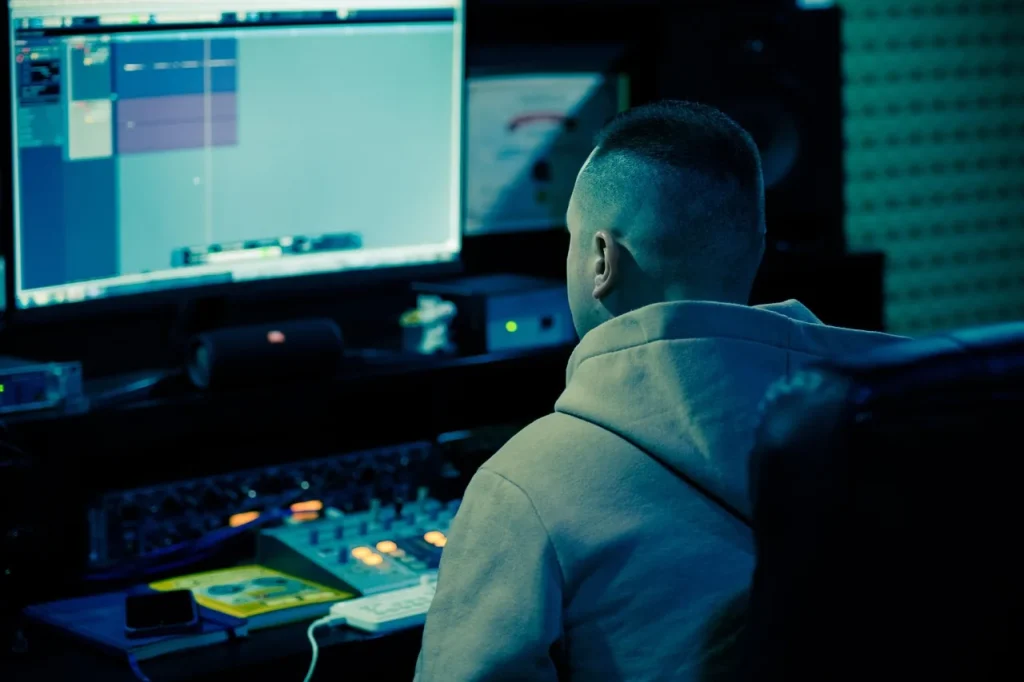
Introducing digital music production in schools brings energy to the classroom. A short course can give every participant a chance to contribute and build a shared project over the school year.
At a school in Villeurbanne, six one-hour sessions helped students get started quickly. Two whole-group sessions served as an introduction, with music identification games and rhythm games. Three rotating workshops covered guitar-based music production, piano with Ableton Live, and beatboxing with a looper.
Organization: students worked in small groups that rotated between stations, with volume controls and headphone listening. The final session took the form of a mini-concert to show their progress.
Practical points: keep to the schedule and prepare transitions and equipment. To learn more, read this account of a classroom project.
Why introduce your students to digital music production now?
Bringing digital music production into the classroom gives students a hands-on way to experiment with creating music together.
Immediate educational benefits: even in a short time, the work encourages creativity, a sense of rhythm, active listening and teamwork.
A short course can cover a wide range of skills.
- Basic sound recording and capture.
- Composition, arrangement and editing.
- Multitrack mixing and the use of professional tools.
Practical example: at a high school, five two-hour Ableton Live sessions led by Augustin Tamar resulted in a documentary soundtrack presented in Lisbon.
Projects and musical culture: connecting urban music with classical repertoire develops students’ listening skills and gives purpose to the school year.
Teaching remains centered on the project: goals for each session, work completed along the way and a final presentation. This approach helps answer practical questions about balancing theory and practice.
“Software brings sounds to life: students become the architects of their own music.”
At school and in high school: introducing students to digital music production — workshops, content and session plans
A short classroom course can quickly change how students approach sound creation.
For younger students, the format consists of six one-hour sessions: two introductory whole-group sessions, three rotating workshops in small groups, and a final review session and mini-concert.
Primary school — three complementary stations
Guitar-based music production: an electric guitar connected to an audio interface, with open G tuning to make fingering easier. Students record 16 to 32 bars, then edit them into a collaborative production.
Piano-based music production (Ableton Live): a MIDI keyboard, arpeggiator and pads. Virtual instruments (piano, drums and synthesizers) support short creations of about 30 seconds. Quantization and headphone listening help students refine the sounds.
Beatboxing & looper: a Boss RC-505, microphone and monitoring headphones. Students learn drum sounds (kick, snare and hi-hat) using the syllables Poom, Ka and Ts. They layer loops to build rhythmic phrases.
Middle and high school — an Ableton Live project
In a second phase, five two-hour sessions guide students through composing a documentary soundtrack. Session goals cover composition, arrangement, mixing and a public presentation.
Practical organization and tools
Layout: place three workstations at opposite ends of the room, set volume rules and use headphones to limit sound bleed and protect the quality of the production.
| Station | Equipment | Typical length |
|---|---|---|
| Guitar-based production | Electric guitar, audio interface, effects | 16 to 32 bars |
| Piano-based production | MIDI keyboard, Ableton Live, virtual instruments | 30 seconds per take |
| Beatboxing & looper | RC-505, microphone, monitoring headphones | Loops of 8 to 32 bars |
“The tools make composition accessible: every participant finds a role, from rhythm to texture.”
Time management: time the transitions, use an equipment setup checklist and prepare quick computer settings. Participants’ choices guide their tasks (rhythm, melody or texture) and give everyone responsibility.
Educational value: music and sounds become raw materials. Hands-on creation leads to a shared final production, presented at the end-of-course mini-concert.

Arrangements & support in France: schedules, equipment and partnerships
A successful workshop depends on clear organization. A logistics plan prevents wasted time and helps sessions get started smoothly.
In-person logistics and equipment
Arrange a dedicated room for each time slot, enough headphones, microphones and studio monitors.
Add a computer, MIDI keyboards, audio interfaces, cables and power strips. A checklist for starting and shutting down the equipment will help students get to the software more quickly.
Enrollment and partnerships
Concrete example: the Conservatoire Mozart offers a one-hour weekly introduction to Logic Pro and Ableton Live for students aged 12 and up. Its full three-year course covers digital audio workstations, sound recording, synthesis and live performance.
To formalize a partnership, sign an agreement with a local center, define annual goals and plan milestones leading to a public presentation.
- Plan one- to two-hour modules according to students’ level.
- Standardize session templates and gain settings.
- Support the teaching team with handouts, lesson sequences and project outlines.
“A structured partnership can turn a series of classes into substantial professional training.”
For an example of a project and schedule, see this music education project.
Conclusion
,
A short course gives students a solid foundation in composing, mixing and producing music. It puts composition and sound manipulation at the heart of a practical project.
This format fits the time available in class. It combines guided practice, accessible software and exercises using guitar, virtual drums and voice. The choice of modules makes the approach flexible.
Musical culture and a range of styles become accessible through final presentations: mini-concerts, a collaborative song or a soundtrack. These moments demonstrate progress and create connections with the arts community, an orchestra or a conservatory.
Project: schedule a meeting, set the timetable and equipment needs, then begin the first session. We support each project through to its final production.